WorkspaceOne place for the things I was keeping in six.
- Role
- Designer & builder
- Team
- Solo
- Built with
- React, TypeScript, IndexedDB
- Data
- Local-first, no account
- Year
- 2026
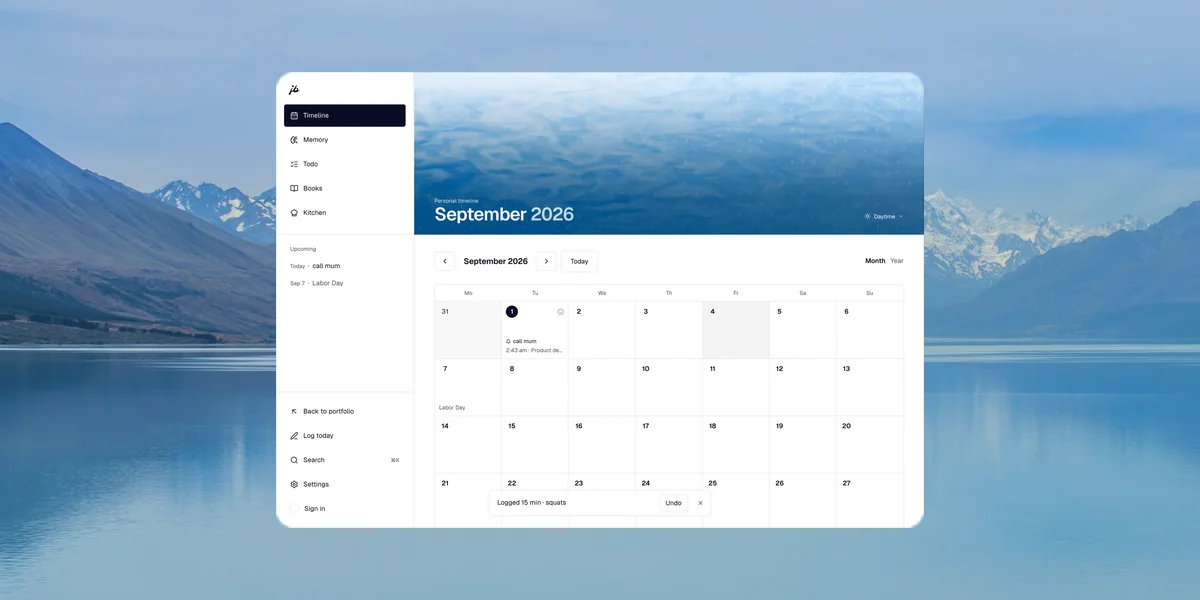
Workspace is a personal tool that runs entirely on your own machine: a month timeline, a journal, photos, the things you mean to do, and a memory file you can hand to any assistant. I designed and built it end to end, and I use it every day.
Six apps each owned one slice of my life, and none of them talked.
A calendar, a habit tracker, a notes app, a photo library, a todo list and a reading log. Each was good at its own slice, and the only place any of it came together was in my head. I wanted one surface where a day is simply a day: what happened, what I meant to do, and the photograph I took of it.
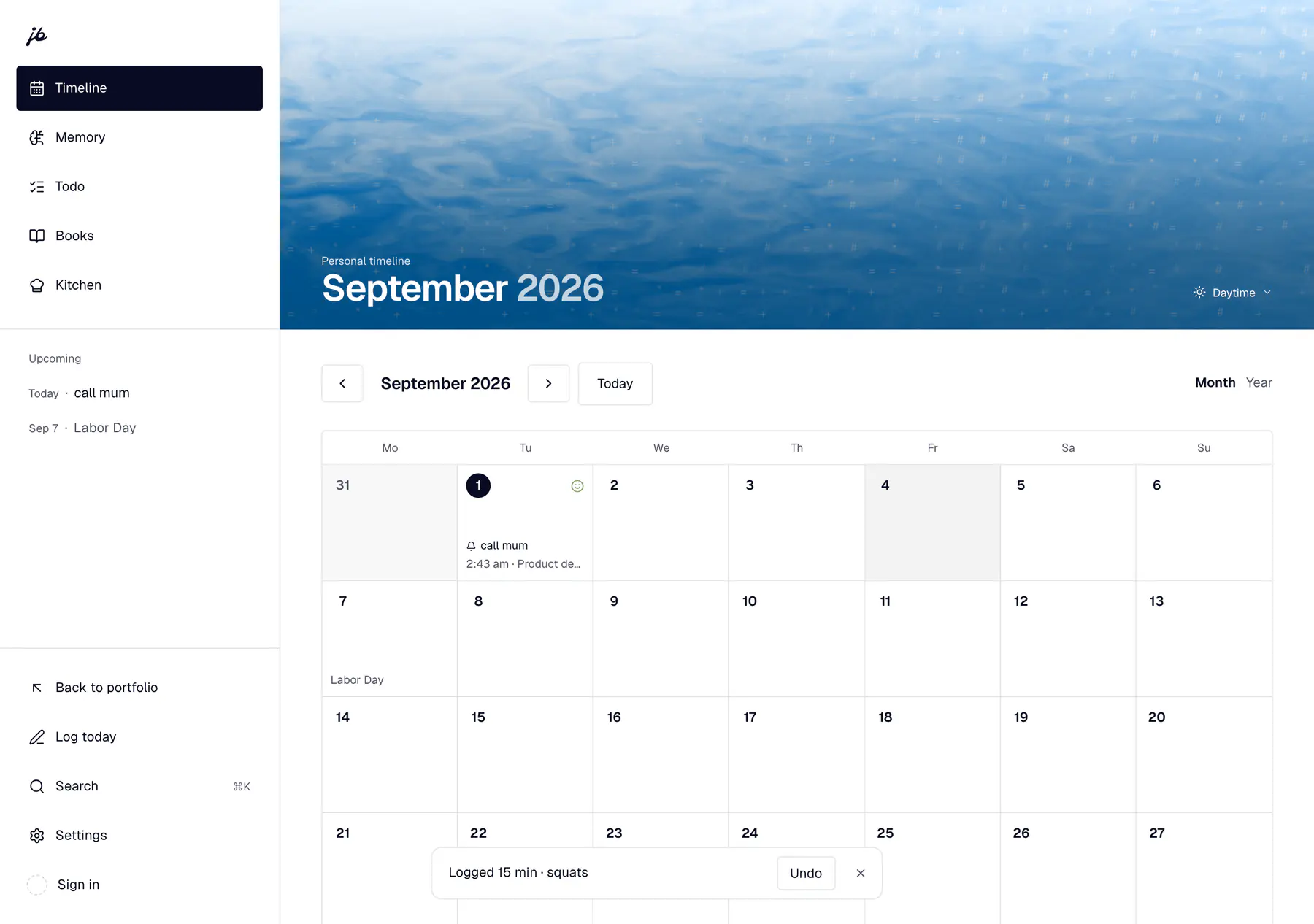
It had eight tabs. Five is the whole product.
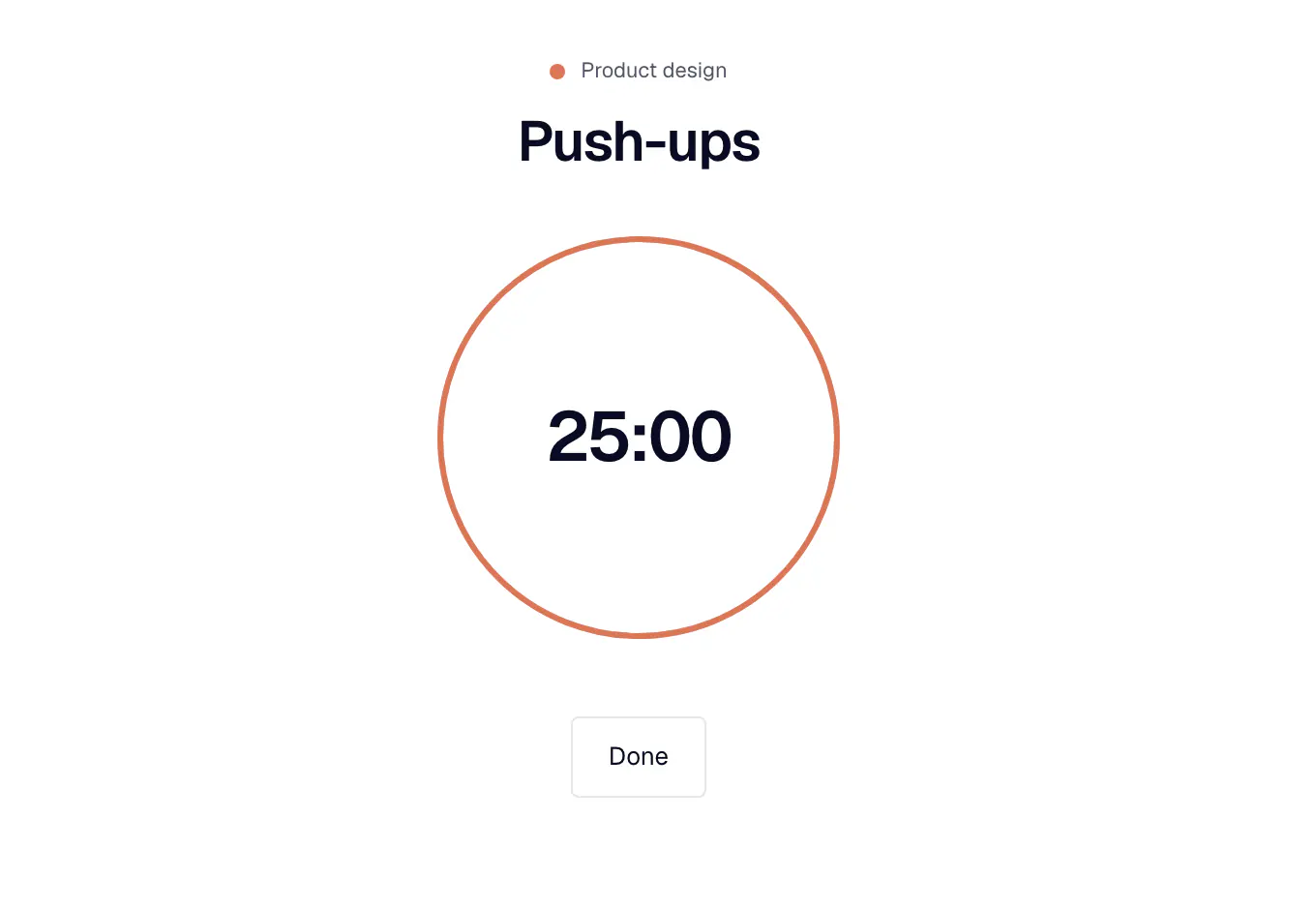
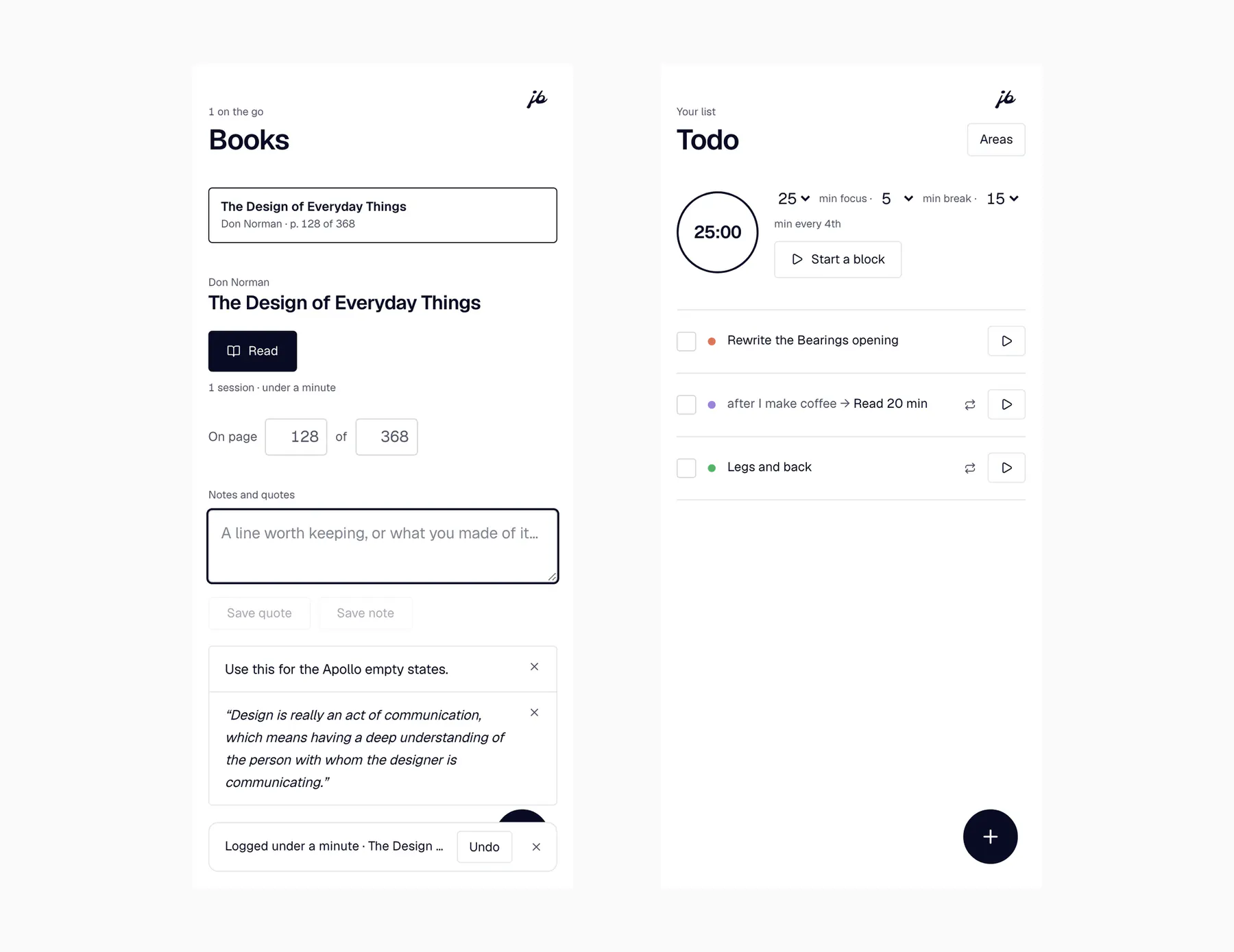
The first build gave every idea I had a tab of its own. Cutting it to five lost nothing, because most of them were not places, they were views of two things: what you mean to do, and what happened. Habits folded into the todo list as repeating rows, and their history moved to the timeline, which is where history lives.
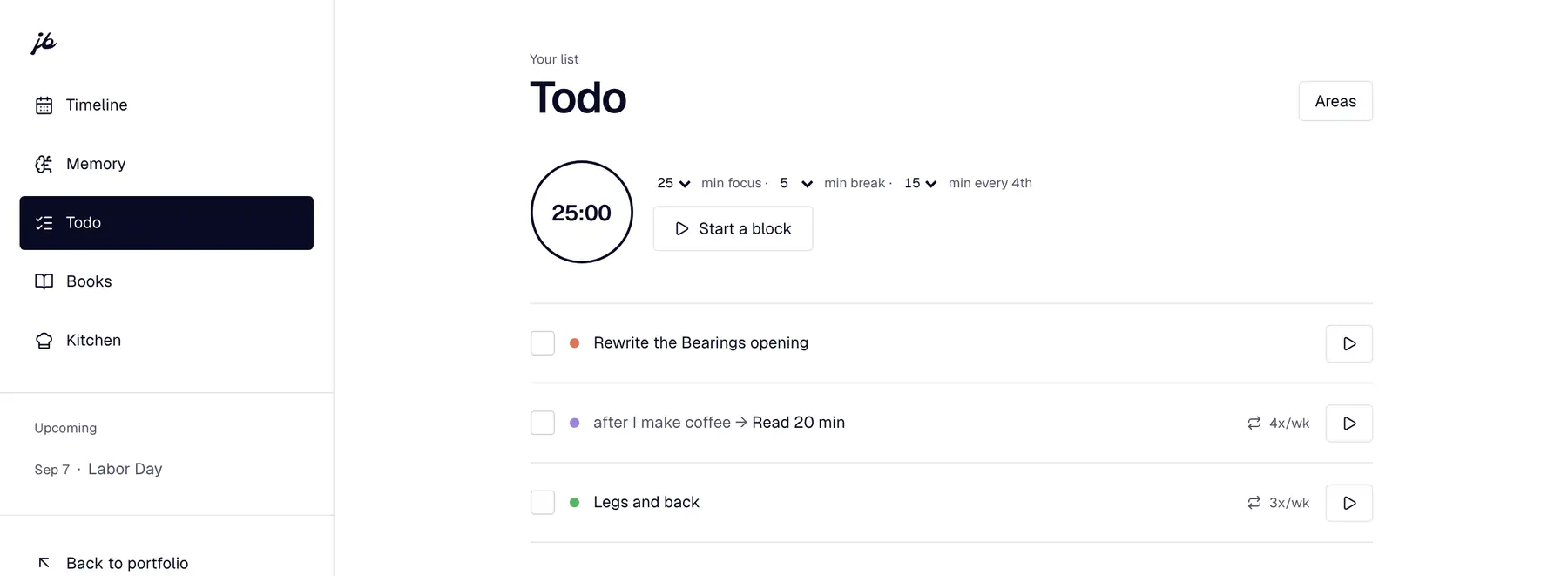
The setup screen went, and the eight categories with it.
The app used to open by handing you eight life areas it had chosen for you. Nobody files their life that way, and the eight I picked were mine. The first area asks for a name and nothing else now, and every screen downstream stopped assuming a shape that was never yours.
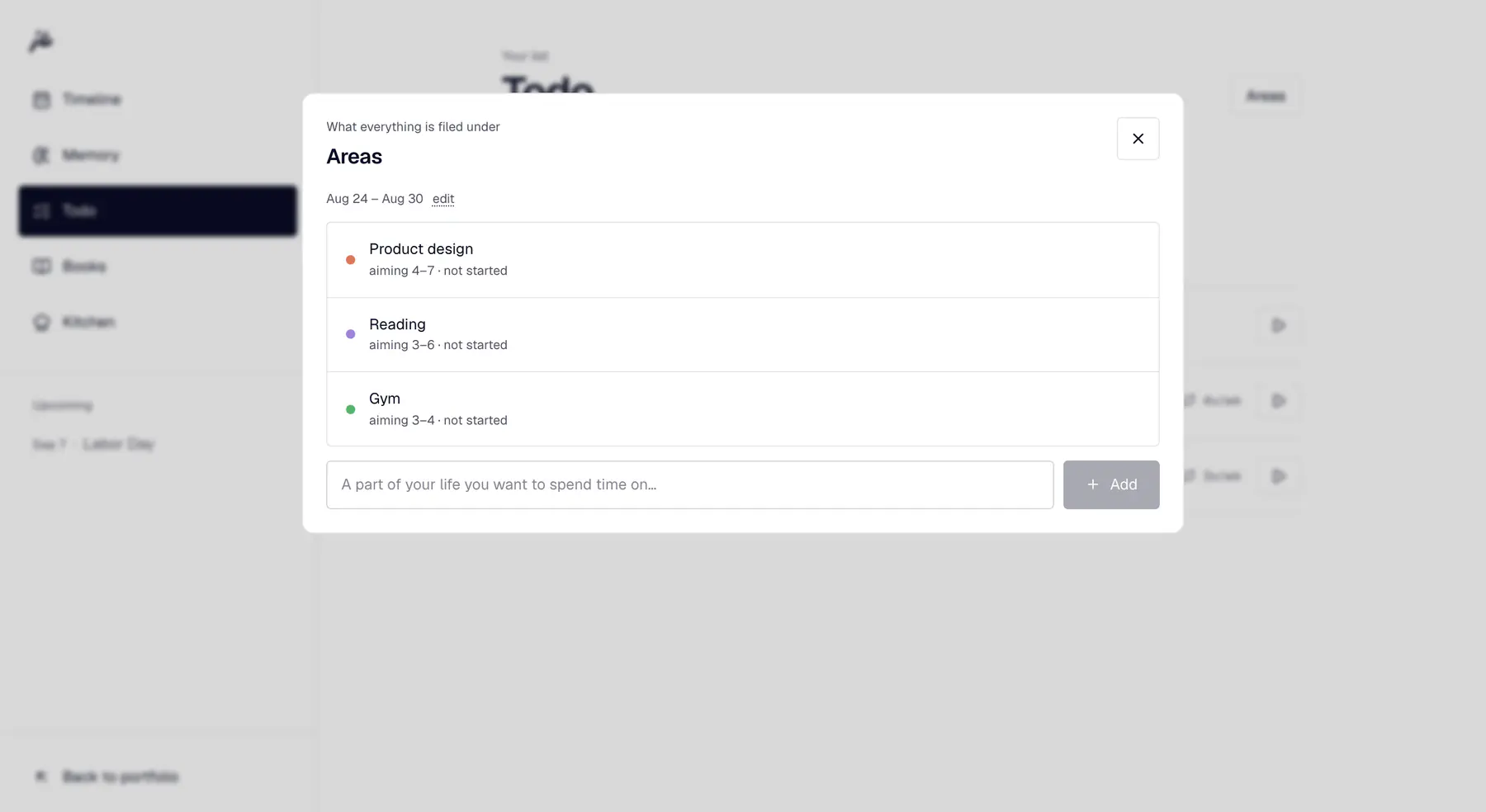
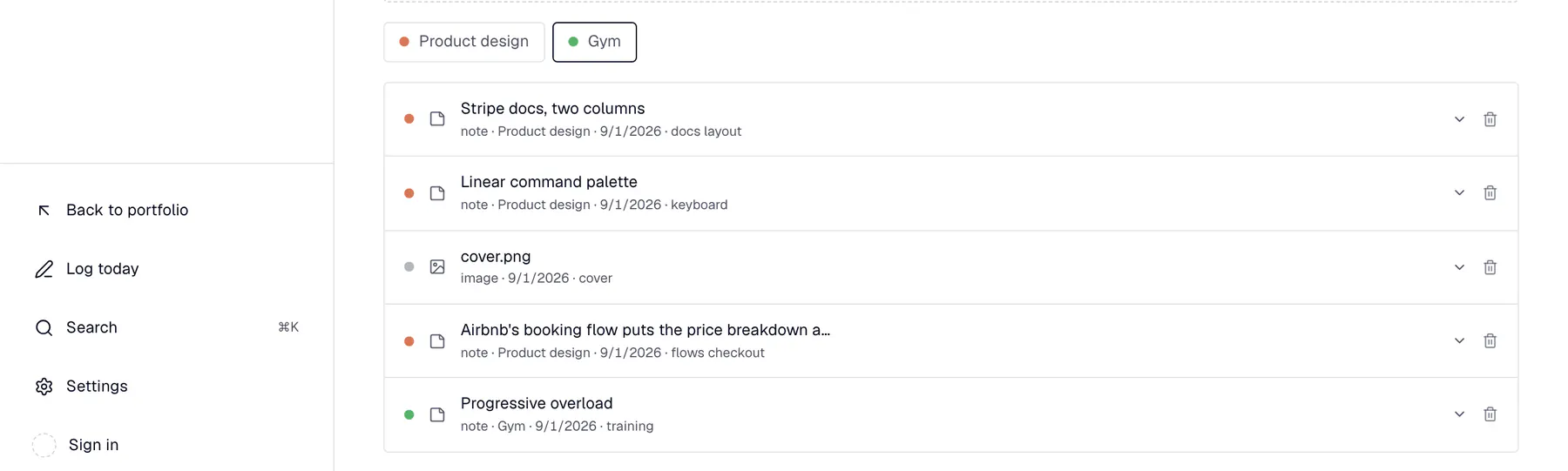
Nothing leaves the device unless I ask it to.
This is a life archive, so the default had to be that it stays put. Everything lives in the browser’s own database on the machine in front of you. No account, no server of mine to trust, and backup is one file you download. Sync points at a database you own rather than one I run, and the copy on your machine stays the source of truth.
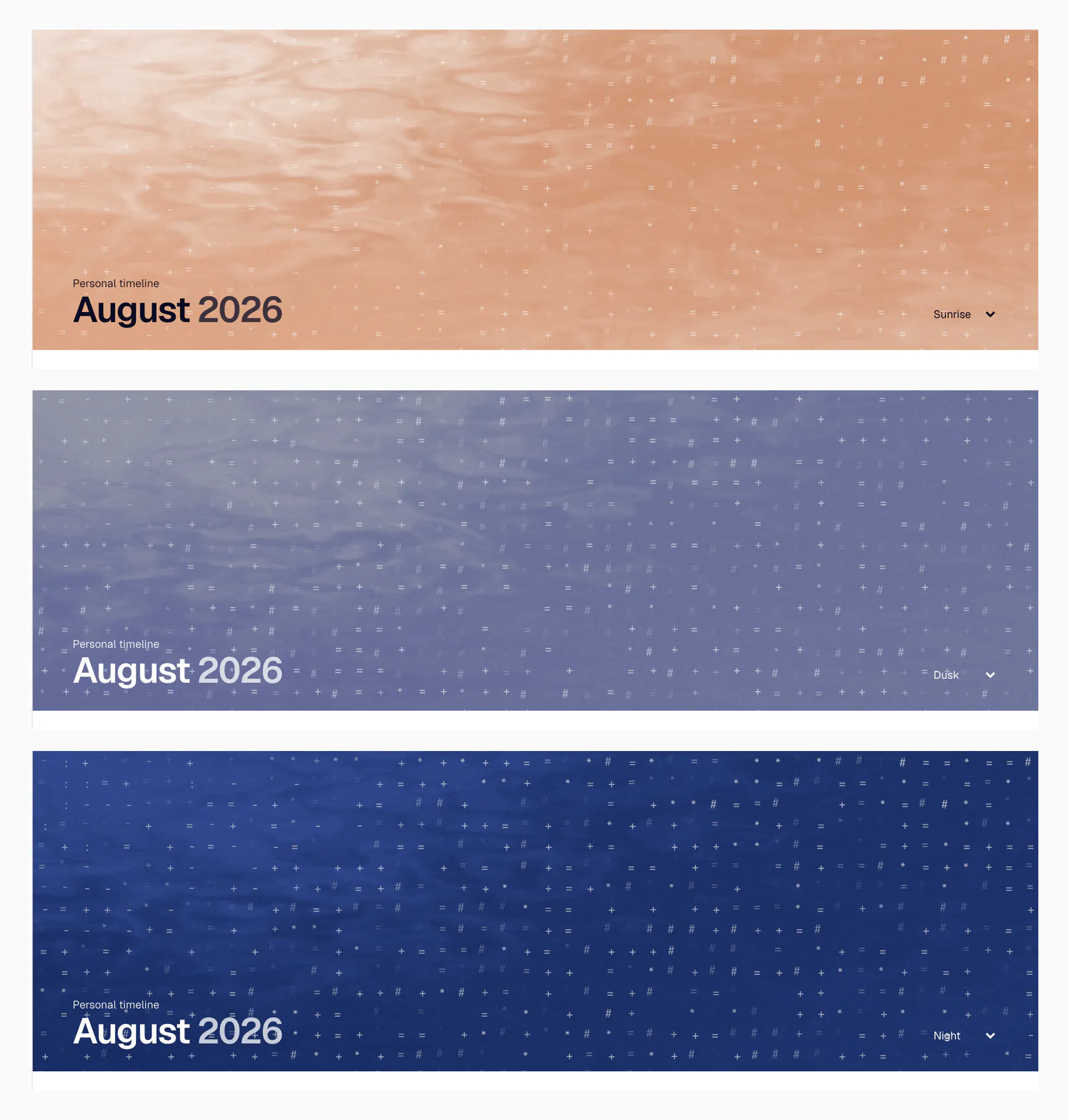
The band at the top keeps the same hour as this site.
The header is a water photograph graded to the time of day, on the portfolio’s own clock. It is the only decoration in the app, and it earns that by saying something: opening this at two in the morning should not look like opening it at noon. Keeping the type legible on all six skies decided every grade.
The screenshots caught what the numbers did not.
More than once I shipped a change every measurement called an improvement, and it looked wrong the moment I opened a picture of it. A button that jumped. A block under the calendar that should not have been there. Building the thing I use daily is the fastest feedback I have, because I am the one who lives with the bad version.